Inspecting agents
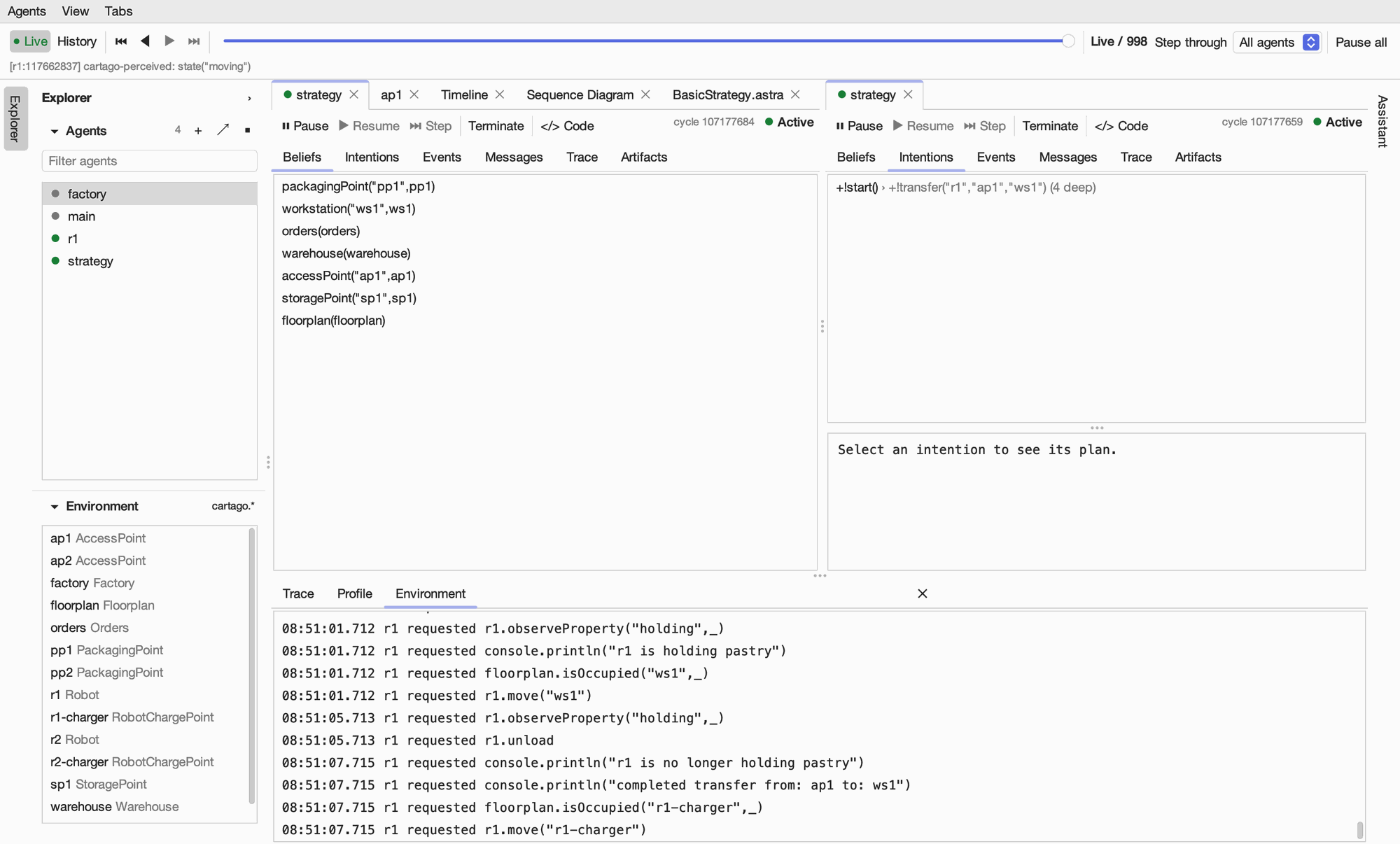
Double-click an agent in the Explorer (or select it and press ⌘O) to open it as a tab. The tab’s toolbar controls the agent, and its own tabs show the agent’s state. The dot on the tab, like the one in the Explorer, shows whether the agent is active.
Controlling an agent
Control |
Effect |
|---|---|
Pause |
Stops the agent after its current cycle, so it can be run a step at a time. |
Resume |
Lets a paused agent run again. |
Step |
Runs one cycle of a paused agent. |
Terminate |
Ends the agent. |
Code |
Opens the agent’s code (see below). |
The right of the toolbar shows the agent’s cycle count and state. In the history mode it also shows the event being viewed, and the controls are disabled because they act on the running agent, not the past.
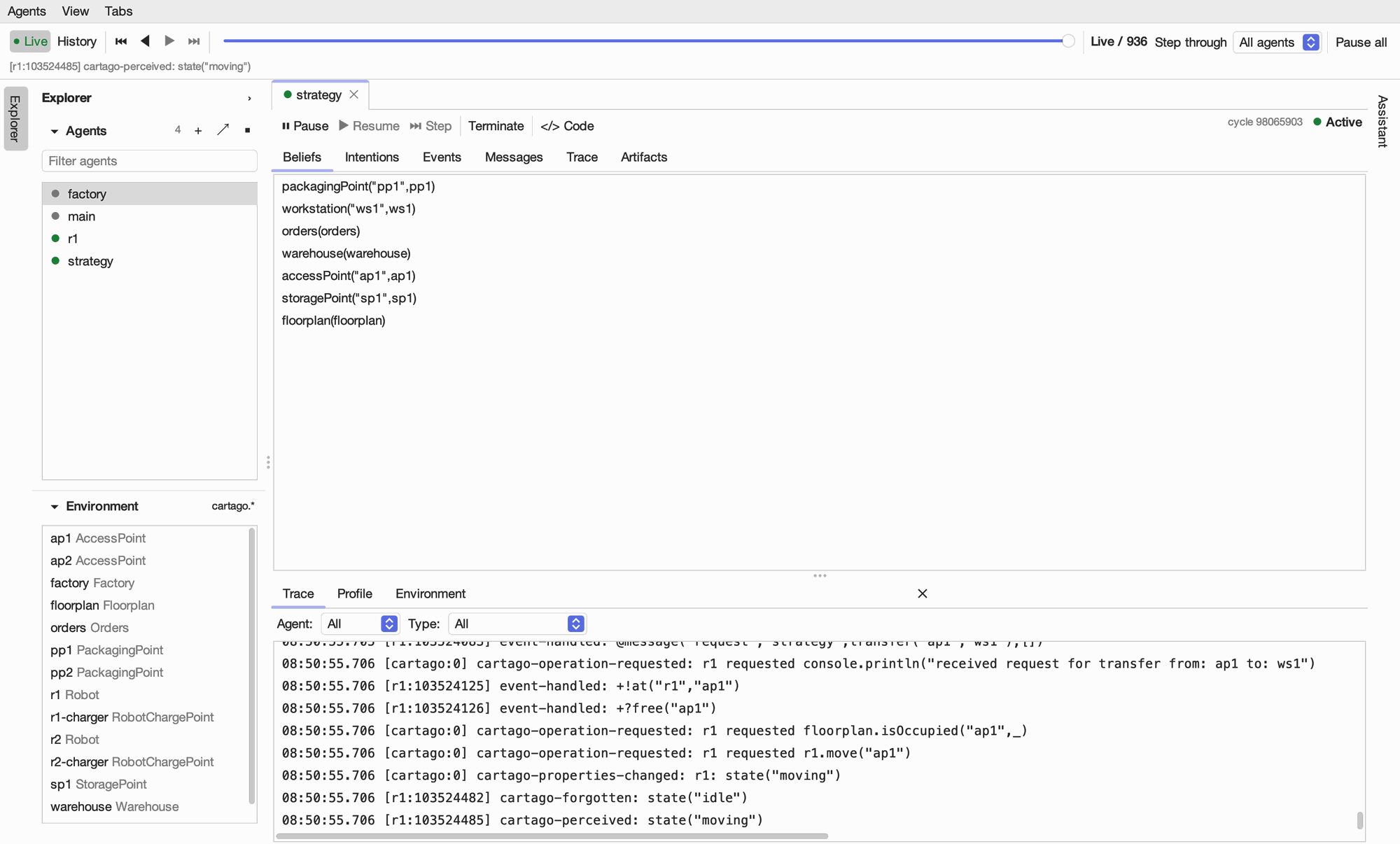
Beliefs
The Beliefs tab lists what the agent currently believes.
Intentions
The Intentions tab lists the agent’s intentions, one per row: the event that started the intention and, after the arrow, the subgoal it is pursuing now and how deep its stack of subgoals is. Select an intention to see its plan below: each rule in the stack with the values its variables are bound to.
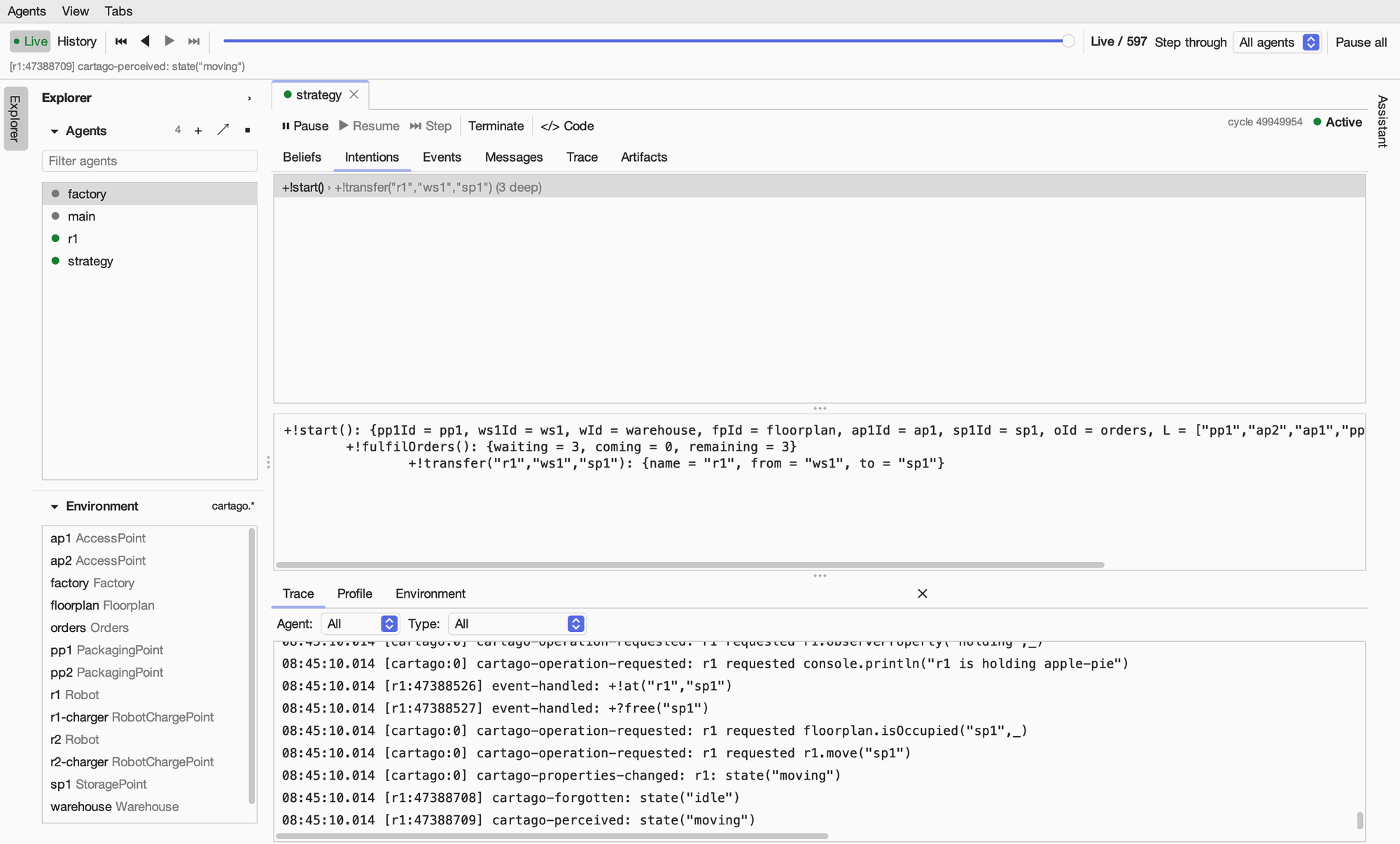
In the history mode the tab lists the intentions the agent had at the selected point; their plans and bindings are only shown live.
Events
The Events tab shows the events waiting to be handled and those the agent has recently handled. Events that no rule matched are shown in red: they often explain why an agent did nothing. Click an event to see the system just after it.
![The strategy agent's Events tab: no events waiting, and its handled events with their times, such as +!makeApplePie() and the message @message("inform","r1",transferred("ap1","ws1"),[]).](../_images/04-agent-events.png)
Rules
The Rules tab lists the rules the agent’s program added while it was running (with S.addRule(...)). Select a rule to see its source; Remove removes it from the agent.
Messages
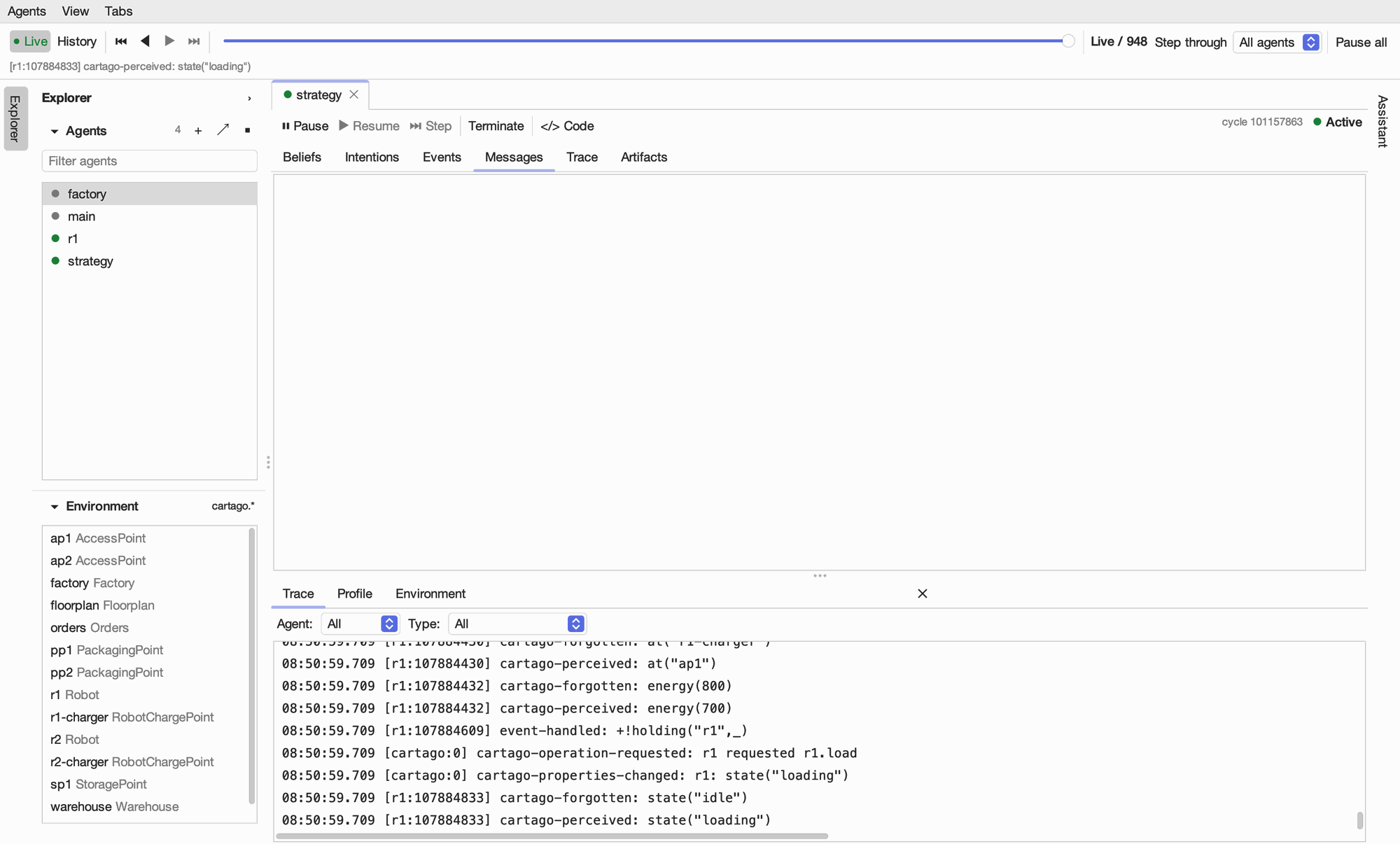
The Messages tab lists the messages the agent has sent and received.
Artifacts
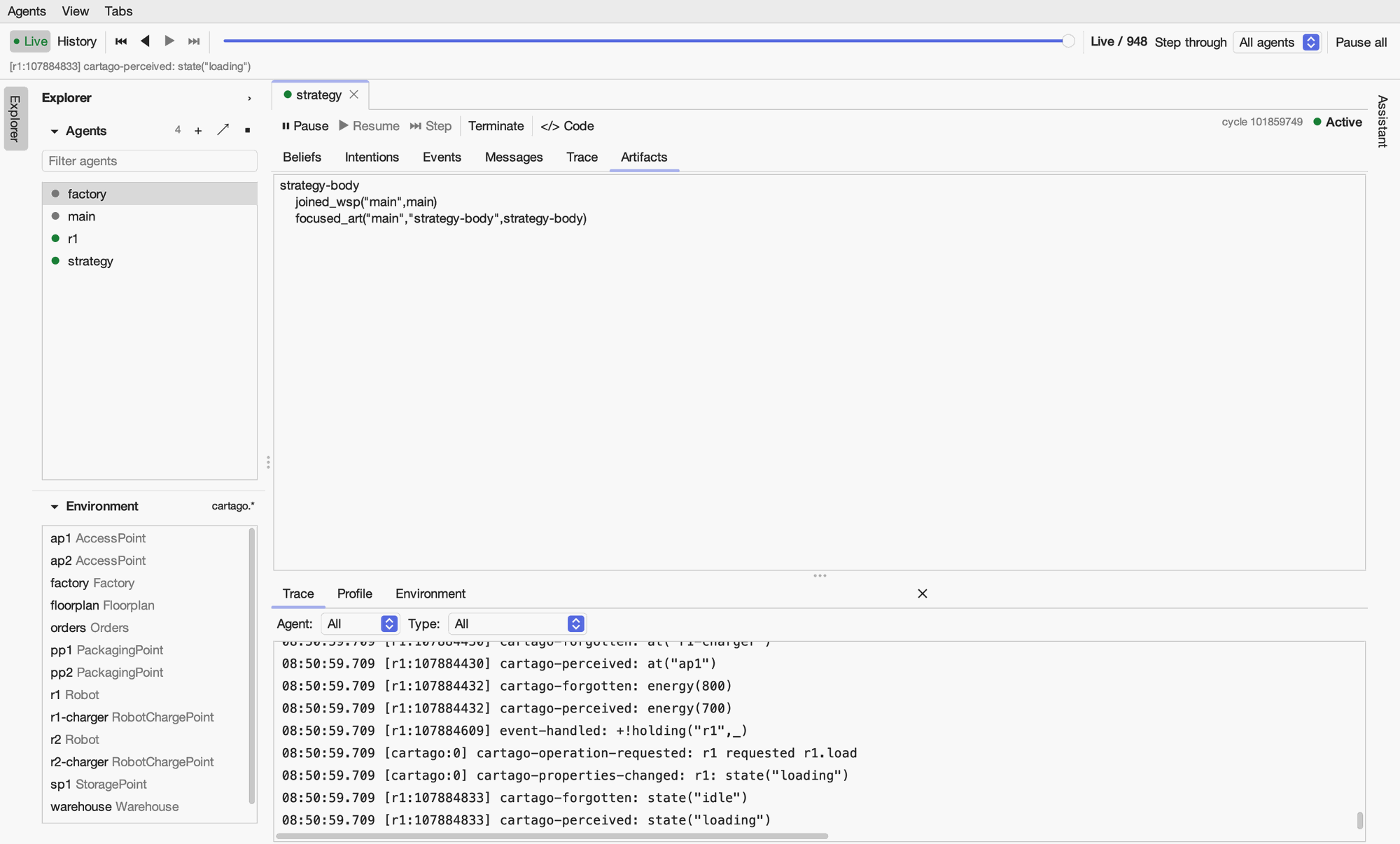
With astra-cartago, the Artifacts tab lists the observable properties the agent perceives, grouped by artifact. Compare them with the artifact’s own state (below) when an agent does not seem to notice a change.
Viewing an artifact
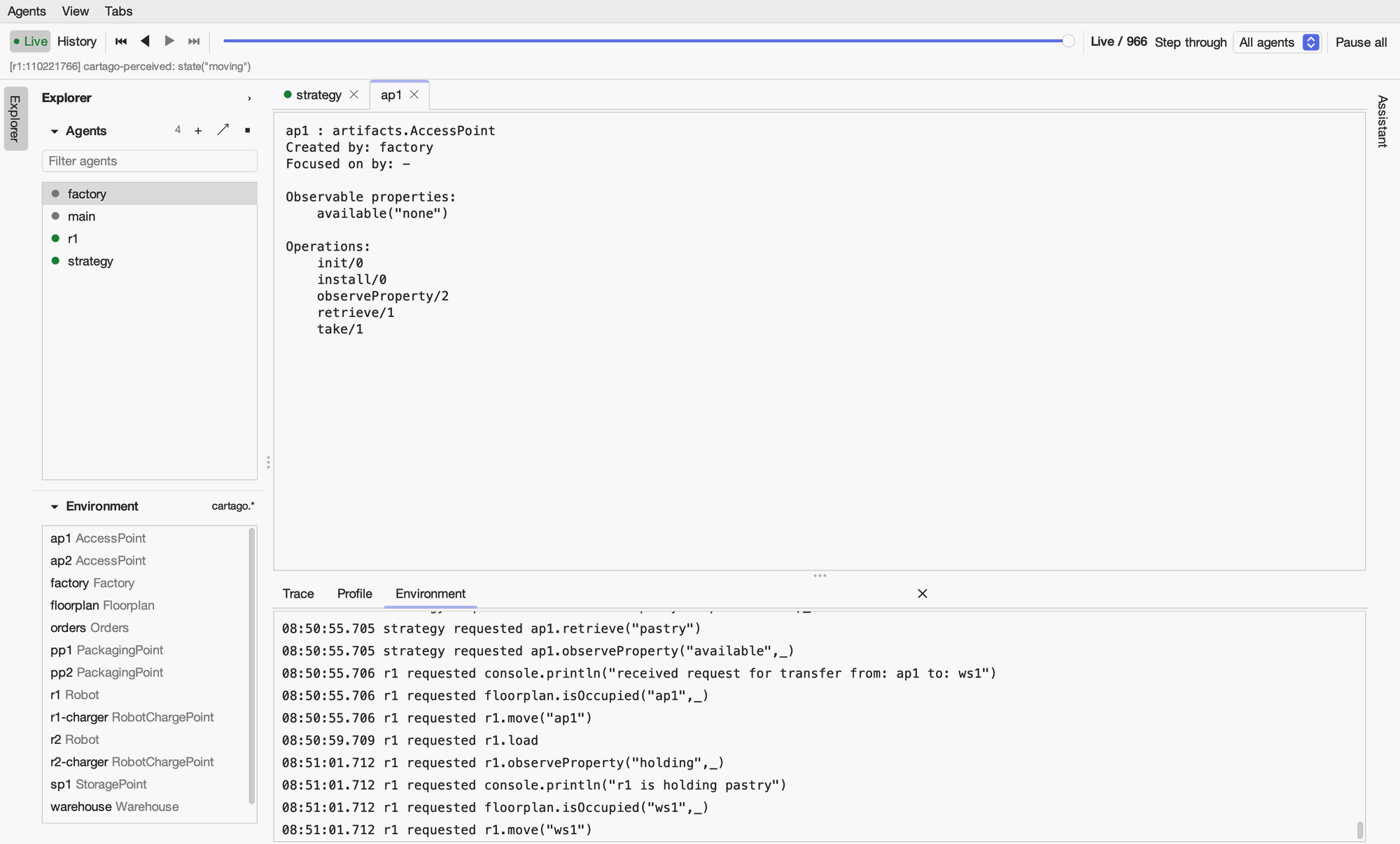
Double-click an artifact in the Explorer’s Environment section to open it: its type, the agent that created it, the agents focused on it, its observable properties, and (live) its operations and running operations. The cartago.* button in the section’s heading also lists CArtAgO’s own artifacts.
Viewing an agent’s code
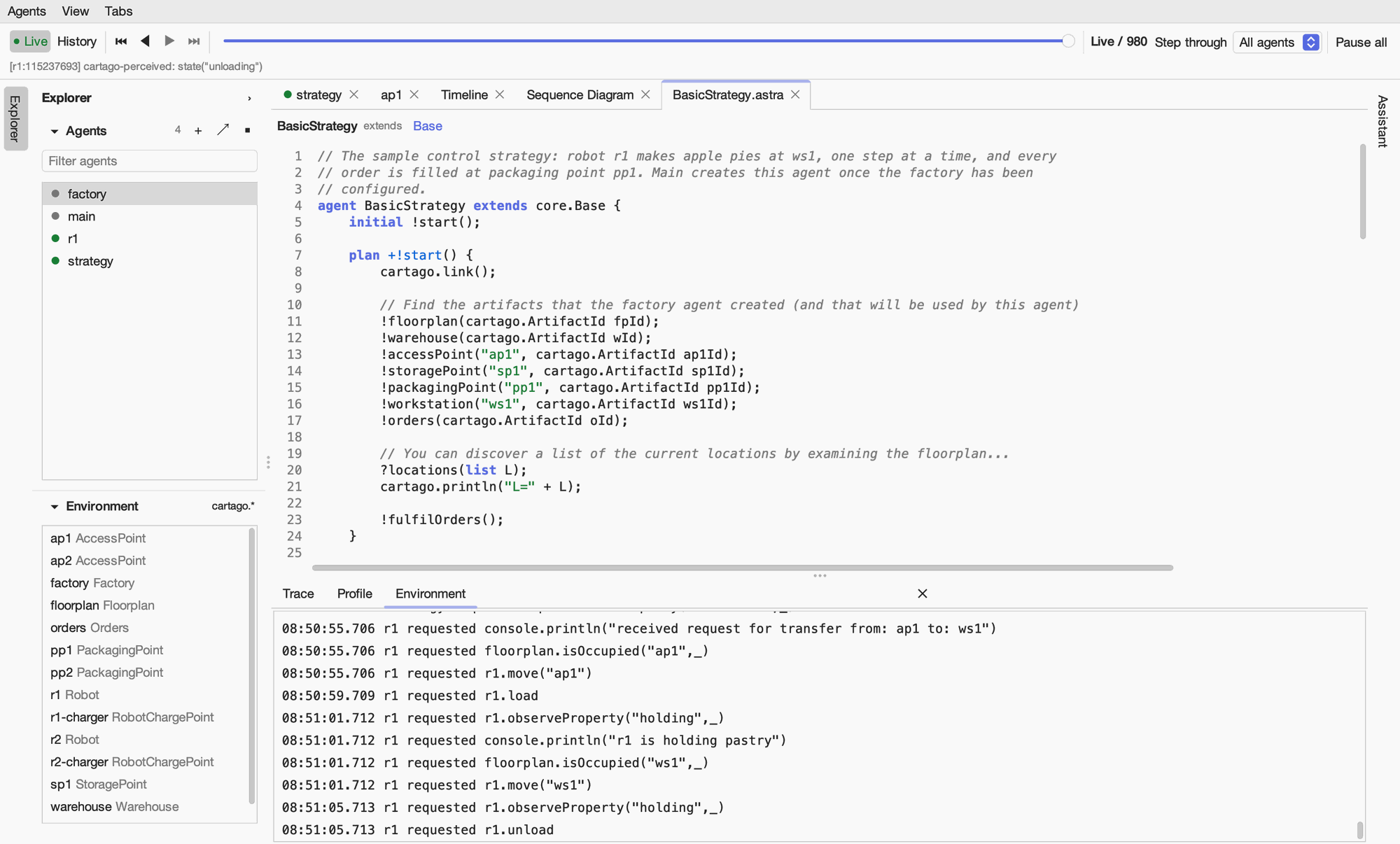
Code on an agent’s toolbar (or Show Code on an agent’s right-click menu) opens the agent’s ASTRA class. The code is the deployed code, read from the program’s classpath, with syntax highlighting and line numbers. The classes it extends are links in the heading: click one to open its code too.
Several views at once
Right-click a tab and choose Split Right or Split Down (or press ⌘\ or ⌘⇧\) to open a second view of it in a new pane. Each view is independent, so you can watch an agent’s beliefs and its intentions side by side, or two different agents. Move to Next Pane moves a tab between panes, and a pane closes with its last tab.